We design in the medium it ships in
How we design now
Figma is still where ideas take shape, but it’s no longer where they stop. Through MCP, our agents read the same components, tokens and screens our designers do, and turn them into working interfaces in your stack. When the design changes, the code follows.
That moves the expensive conversations earlier. Instead of debating a static mockup, you click through a prototype with realistic data, on real devices, while there’s still time to change direction.

Product design process
We start with the people who will use the product and the decision the business needs to make. Agents help us cover more ground: they summarise interviews and support tickets, map competitors and pull patterns from usage data. Designers turn that into a clear problem statement and the first flows.
You get: a problem statement, the key user flows and the research behind them.
We define tokens, components and their states in Figma and in code at the same time. One source of truth keeps a product consistent as it grows. It’s also what makes agent output look like your product rather than a template.
You get: a Figma component library, with matching tokens and components in code.
We prototype in the real stack. Designers and AI coding agents build interfaces that run in a browser or on a device, connected to real or realistic data. It’s the fastest way to learn what works, and much of it carries straight into development.
You get: a prototype running in your stack, on real devices, with real or realistic data.
We test with users on the working prototype, not on mockups, so feedback is about how the product behaves, not how it looks. Because design and code share one system, a change doesn’t mean a new round of handoff.
You get: test findings and the changes made because of them.
Design-led case studies
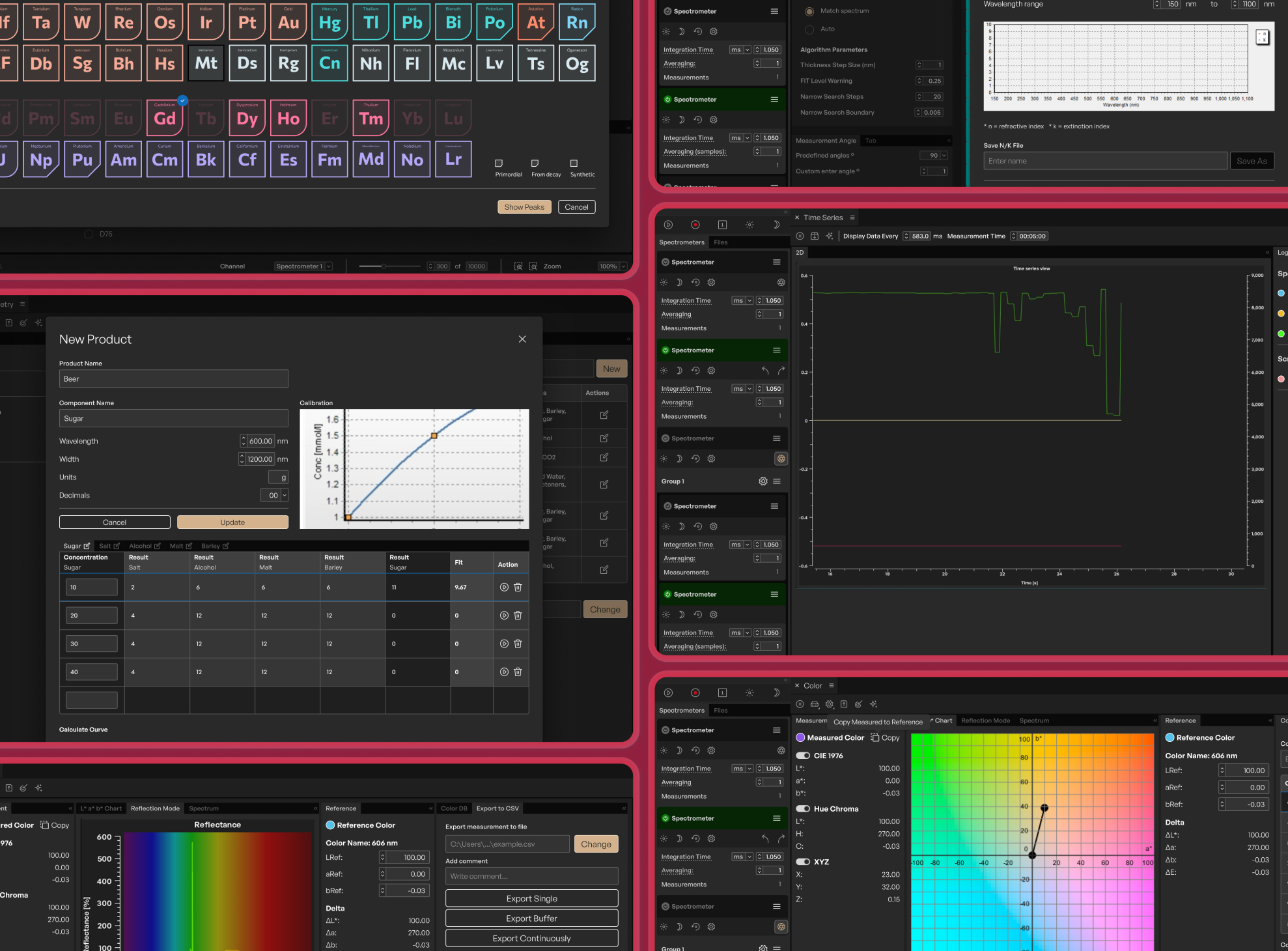
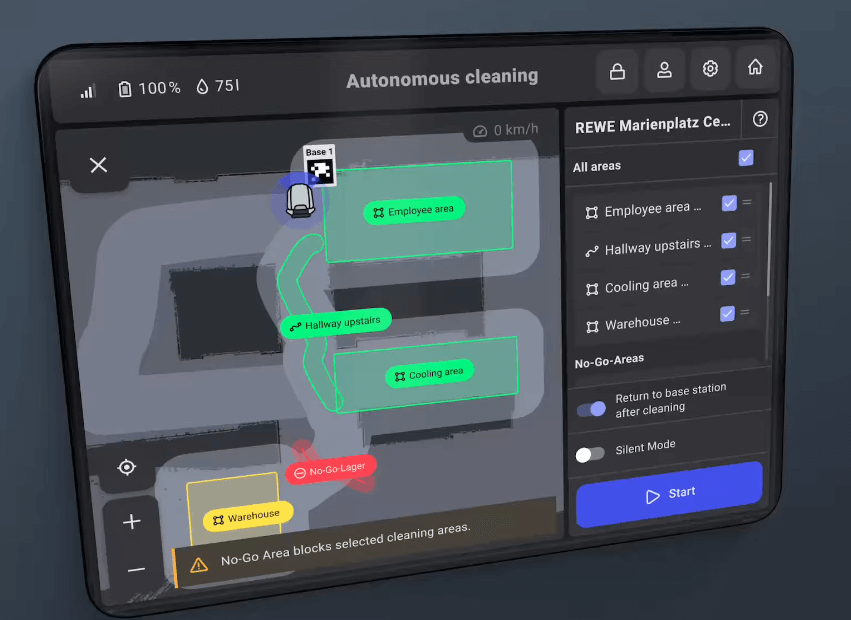
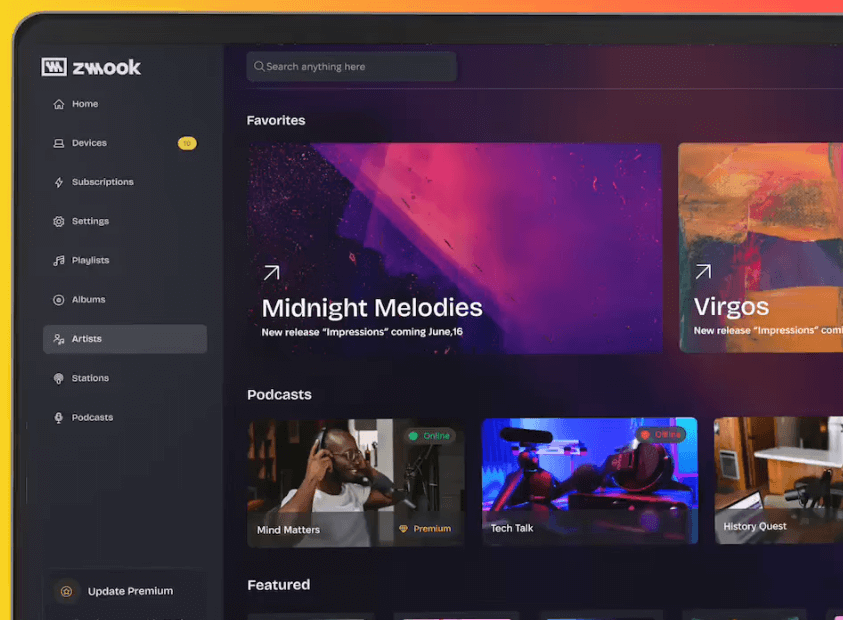
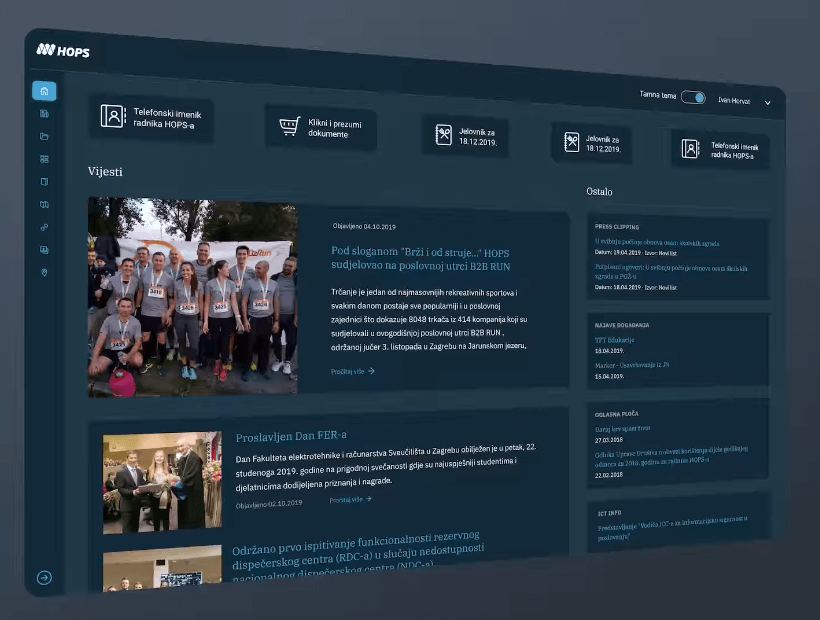
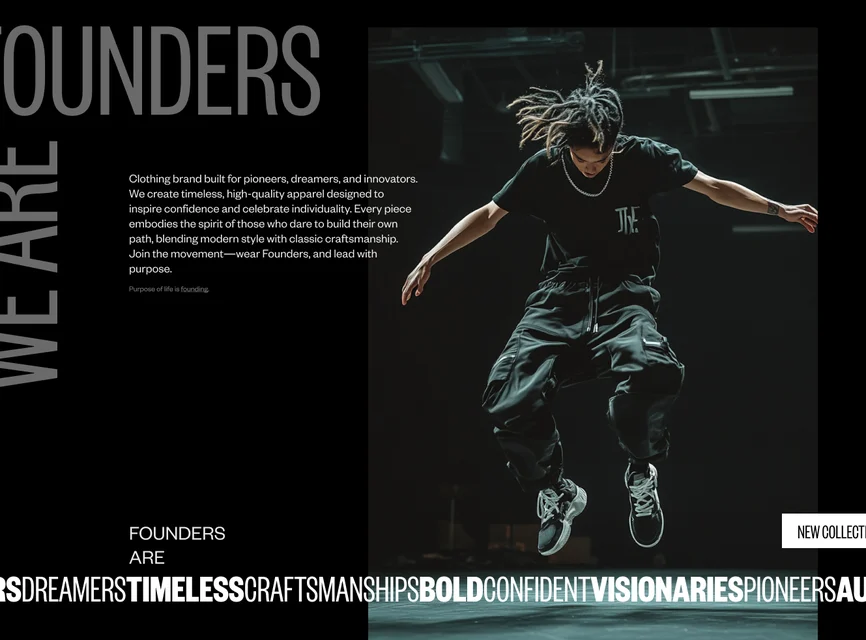
Lab software, touchscreen controls for cleaning robots, a streaming service and an energy operator’s website. Different products, the same process.
Designing for AI
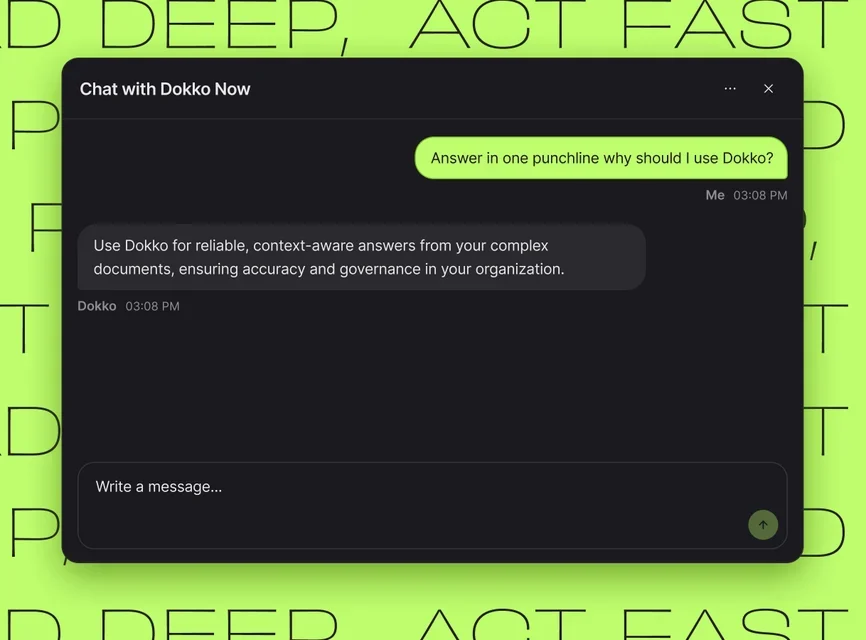
AI products need interface patterns most teams haven’t built yet. We learned them building and running sixteen AI systems in production, Dokko among them.
Every answer shows its sources. Low confidence is flagged, not hidden. A conversation that goes beyond what the assistant can handle is passed to a person. Users can see what the assistant can and can’t do. We bring these patterns to every AI interface we design.
Recent work



Common questions
Have a product to design, or one that needs rethinking?
Talk to our design team for 30 minutes. Bring a rough idea or an existing product, and we’ll show you where we’d start.